Guides
Managing Ideas
How to view, organize, and manage feedback and ideas
Viewing Ideas
Navigate to Ideas in the sidebar to see all feedback and ideas submitted for your organization.
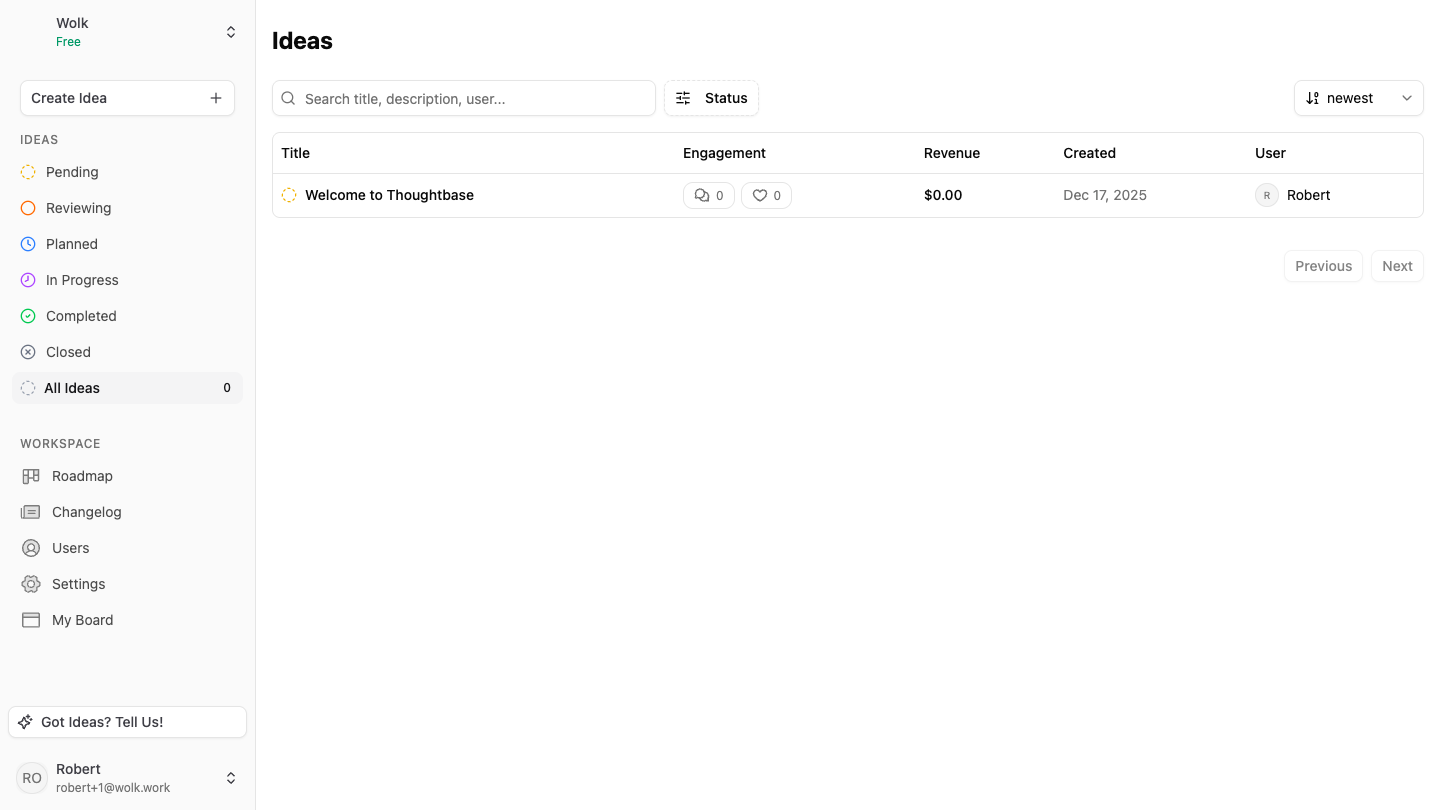
Idea Statuses
Ideas can have different statuses:
- Reviewing: Newly submitted ideas awaiting review. These won’t show up publicly until approved.
- Open: Ideas that people can see and vote on.
- Planned: Ideas scheduled for future work
- In Progress: Ideas currently being worked on
- Completed: Ideas that have been implemented
- Archived: Ideas that are either completed or not pursued. Archived ideas are hidden from the public view.
Creating Ideas
While ideas are typically submitted through the widget, you can also create them directly in the dashboard.
Managing Ideas
Updating Status
Change an idea’s status as work progresses. The idea will move to the appropriate section based on its status. An idea’s status can be updated from the detail view, or by dragging and dropping from the roadmap view in the dashboard.
Other Features
- Reacting to Ideas: Admins can react to ideas in the dashboard the same way users can in the public view.
- Linking to Changelogs: When an idea is completed, link it to a changelog entry to show users that their feedback was implemented.
- Using Boards: Boards help categorize ideas by feature area or product line. Create boards for different product areas and organize your roadmap by board.